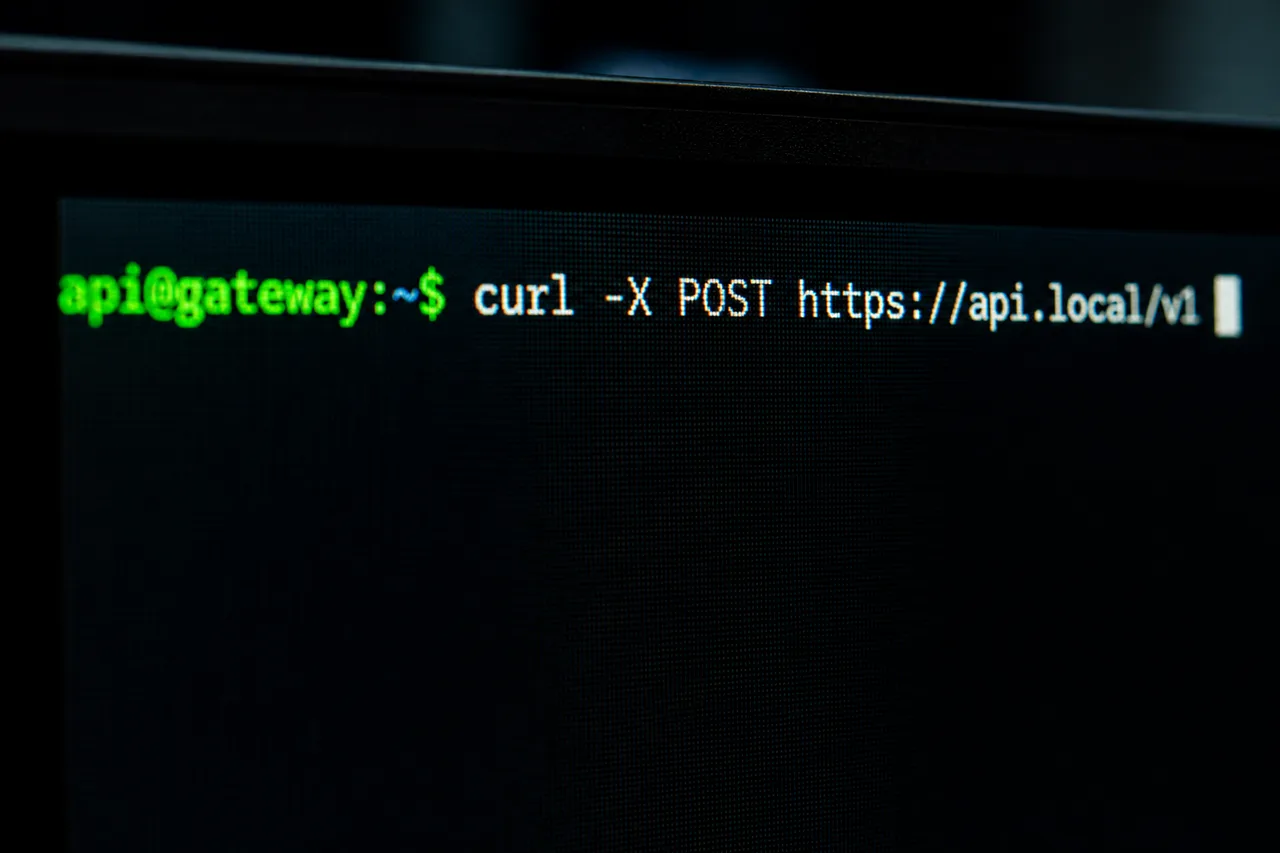
Complete Guide to Network Troubleshooting on Linux
Master the essential commands for diagnosing and resolving network problems on Linux. A practical guide organized by the OSI model, from the physical layer up to the transport layer.
InSkillCoach
Complete Guide to Network Troubleshooting on Linux
Network troubleshooting is an essential skill for any Linux system administrator. This guide presents a structured approach, organized by the layers of the OSI model, to efficiently diagnose and resolve network problems.
Introduction to Network Troubleshooting
Network troubleshooting on Linux follows a methodical, bottom-up approach, starting at the physical layer and working up to the application layer. This method lets you quickly identify and isolate problems.
Physical Layer (Layer 1)
The first step is to verify physical connectivity.
Essential commands:
# Vérifier l'état de l'interface réseau
ip -br link show

# Examiner les statistiques de paquets
ip -s link show eth0

# Vérifier les propriétés de la liaison
ethtool eth0
What to check:
- Physical state of the connection (up/down)
- Dropped or errored packet statistics
- Link speed and duplex mode
- Quality of the physical connection
Data Link Layer (Layer 2)
This layer handles direct communication between devices on the local network.
Essential commands:
# Inspecter les en-têtes de paquets
tcpdump -i eth0 -nn -e

# Vérifier la table ARP
ip neighbor show

# Scanner les adresses MAC sur le réseau
arp-scan -I eth0 -l
What to check:
- MAC addresses in the ARP table
- VLAN configuration
- MAC address conflicts
- Switching issues
Network Layer (Layer 3)
This layer handles routing and IP addressing.
Essential commands:
# Vérifier la configuration IP
ip -br address show

# Tester la connectivité
ping 8.8.8.8

# Examiner les routes
ip route show

# Tracer le chemin vers une destination
traceroute 8.8.8.8

# Vérifier la résolution DNS
dig www.google.com
What to check:
- Correct IP address assignment
- Default gateway configuration
- IP address conflicts
- Routing problems
- DNS resolution
Transport Layer (Layer 4)
This layer handles end-to-end connections and ports.
Essential commands:
# Lister les ports en écoute
ss -tunlp

# Tester un port spécifique
nc -zv 10.10.0.1 80

# Vérifier les connexions établies
ss -tan state established
What to check:
- Open and listening ports
- TCP connection states
- Firewall issues
- Connection performance
Troubleshooting Methodology
-
Systematic approach
- Start with the lowest layer
- Validate each layer before moving on to the next
- Document test results
-
Additional tools
# Capture de paquets détaillée tcpdump -i eth0 -w capture.pcap # Analyse des performances réseau iperf3 -c server_ip # Surveillance du trafic en temps réel iftop -i eth0 -
Best practices
- Keep a change log
- Back up configurations
- Use monitoring tools
- Automate recurring tests
Common Scenarios and Solutions
1. No Internet Connectivity
# Vérification séquentielle
ip link show                 # État de l'interface
ip addr show                 # Configuration IP
ip route show               # Routes
ping 8.8.8.8               # Connectivité externe
dig google.com             # Résolution DNS
2. Performance Problems
# Analyse des performances
mtr 8.8.8.8                # Analyse du chemin réseau
iperf3 -c server_ip        # Test de bande passante
netstat -s                 # Statistiques réseau
3. DNS Problems
# Diagnostic DNS
dig +trace google.com      # Trace complète DNS
nslookup google.com        # Test rapide
cat /etc/resolv.conf       # Configuration DNS
Useful Scripts for Automation
#!/bin/bash
# Script de vérification réseau basique

echo "=== État des interfaces ==="
ip -br link show

echo "=== Configuration IP ==="
ip -br addr show

echo "=== Table de routage ==="
ip route show

echo "=== Test de connectivité ==="
ping -c 4 8.8.8.8

echo "=== Résolution DNS ==="
dig +short google.com
Conclusion
Network troubleshooting on Linux requires a methodical approach and a solid understanding of the different layers of the OSI model. By following this structure and using the appropriate commands at each level, you can efficiently identify and resolve most network problems.
Additional Resources
- Official documentation for Linux network tools
- Advanced TCP/IP troubleshooting guides
- Network monitoring tools
- Linux forums and communities
Remember that regular practice and documenting your experiences are essential for developing your network troubleshooting skills.

About InSkillCoach
Training and technology expert
Coach specializing in advanced technologies and AI, backed by GNeurone Inc.
Certifications:
- AWS Certified Solutions Architect – Professional
- Google Cloud certifications
- Microsoft Certified: DevOps Engineer Expert
- Certified Kubernetes Administrator (CKA)
- CompTIA Security+
Comments
Comments are powered by GitHub Discussions
Sign in with GitHub to join the discussion