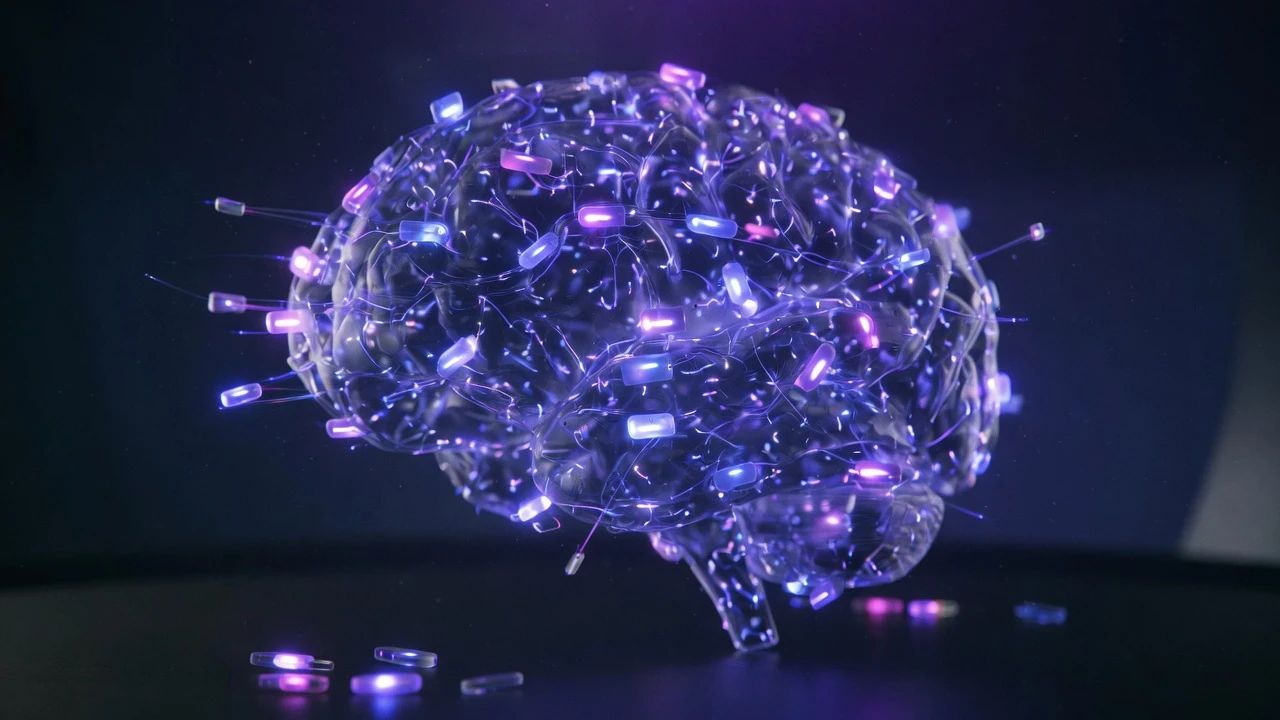
Introduction to Artificial Intelligence and Natural Language Processing
Discover the fundamental concepts of AI and NLP, their applications, and the modern tools available.
I
InSkillCoach
· min
Introduction to Artificial Intelligence and Natural Language Processing
Artificial Intelligence (AI) and Natural Language Processing (NLP) are rapidly growing fields that are transforming the way we interact with machines.
1. Core Concepts
What Is AI?
# Simple machine learning example
from sklearn.datasets import make_classification
from sklearn.model_selection import train_test_split
from sklearn.linear_model import LogisticRegression

# Creating sample data
X, y = make_classification(n_samples=1000, n_features=20)
X_train, X_test, y_train, y_test = train_test_split(X, y, test_size=0.2)

# Training the model
model = LogisticRegression()
model.fit(X_train, y_train)

# Evaluation
score = model.score(X_test, y_test)
print(f"Précision du modèle : {score:.2f}")
What Is NLP?
# Text processing example with NLTK
import nltk
from nltk.tokenize import word_tokenize
from nltk.corpus import stopwords

# Downloading the required resources
nltk.download('punkt')
nltk.download('stopwords')

# Processing example
text = "L'intelligence artificielle transforme notre monde."
tokens = word_tokenize(text)
stop_words = set(stopwords.words('french'))

# Filtering stop words
filtered_tokens = [w for w in tokens if w.lower() not in stop_words]
print(f"Mots filtrés : {filtered_tokens}")
2. Practical Applications
Sentiment Analysis
# Sentiment analysis example with Transformers
from transformers import pipeline

# Initializing the model
sentiment_analyzer = pipeline("sentiment-analysis", model="nlptown/bert-base-multilingual-uncased-sentiment")

# Analyzing text
text = "Je suis vraiment ravi de découvrir l'IA !"
result = sentiment_analyzer(text)
print(f"Sentiment : {result[0]['label']} (Score : {result[0]['score']:.2f})")
Text Generation
# Text generation example with GPT
from transformers import GPT2LMHeadModel, GPT2Tokenizer

# Loading the model
model = GPT2LMHeadModel.from_pretrained('gpt2')
tokenizer = GPT2Tokenizer.from_pretrained('gpt2')

# Generating text
prompt = "L'intelligence artificielle est"
inputs = tokenizer.encode(prompt, return_tensors='pt')
outputs = model.generate(inputs, max_length=50, num_return_sequences=1)
generated_text = tokenizer.decode(outputs[0], skip_special_tokens=True)
print(f"Texte généré : {generated_text}")
3. Modern Tools
Popular Libraries
# spaCy usage example
import spacy

# Loading the French model
nlp = spacy.load('fr_core_news_sm')

# Analyzing text
text = "L'IA révolutionne le traitement du langage naturel."
doc = nlp(text)

# Extracting named entities
for ent in doc.ents:
    print(f"Entité : {ent.text} - Type : {ent.label_}")
Pre-trained Models
# BERT usage example
from transformers import BertTokenizer, BertModel

# Loading the model
tokenizer = BertTokenizer.from_pretrained('bert-base-multilingual-cased')
model = BertModel.from_pretrained('bert-base-multilingual-cased')

# Encoding text
text = "L'intelligence artificielle est fascinante."
encoded = tokenizer(text, return_tensors='pt')
outputs = model(**encoded)
4. Best Practices
Data Preprocessing
# Text preprocessing script
def preprocess_text(text):
    # Convert to lowercase
    text = text.lower()

    # Remove special characters
    import re
    text = re.sub(r'[^\w\s]', '', text)

    # Tokenization
    tokens = word_tokenize(text)

    # Remove stop words
    stop_words = set(stopwords.words('french'))
    tokens = [w for w in tokens if w not in stop_words]

    return ' '.join(tokens)
Model Evaluation
# Model evaluation script
def evaluate_model(model, X_test, y_test):
    # Predictions
    predictions = model.predict(X_test)

    # Metrics
    from sklearn.metrics import accuracy_score, precision_score, recall_score

    accuracy = accuracy_score(y_test, predictions)
    precision = precision_score(y_test, predictions, average='weighted')
    recall = recall_score(y_test, predictions, average='weighted')

    print(f"Précision : {accuracy:.2f}")
    print(f"Précision moyenne : {precision:.2f}")
    print(f"Rappel moyen : {recall:.2f}")
5. Advanced Applications
Machine Translation
# Translation example with MarianMT
from transformers import MarianMTModel, MarianTokenizer

# Loading the translation model
model_name = 'Helsinki-NLP/opus-mt-fr-en'
tokenizer = MarianTokenizer.from_pretrained(model_name)
model = MarianMTModel.from_pretrained(model_name)

# Translation
text = "L'intelligence artificielle est passionnante."
encoded = tokenizer(text, return_tensors='pt')
outputs = model.generate(**encoded)
translated = tokenizer.decode(outputs[0], skip_special_tokens=True)
print(f"Traduction : {translated}")
Question Answering
# Question answering system example
from transformers import pipeline

# Initializing the model
qa_model = pipeline("question-answering", model="deepset/bert-base-cased-spqa")

# Question and context
context = "L'IA est utilisée dans de nombreux domaines comme la médecine, la finance et l'éducation."
question = "Quels sont les domaines d'application de l'IA ?"

# Getting the answer
result = qa_model(question=question, context=context)
print(f"Réponse : {result['answer']}")
Conclusion
AI and NLP offer immense possibilities:
- Automatic language processing
- Sentiment analysis
- Text generation
- Machine translation
- Question answering systems
Key takeaways:
- Understand the core concepts
- Use the right libraries
- Follow best practices
- Evaluate performance
- Stay up to date with new advances

About InSkillCoach
Training and technology expert
Coach specializing in advanced technologies and AI, backed by GNeurone Inc.
Certifications:
- AWS Certified Solutions Architect – Professional
- Google Cloud certifications
- Microsoft Certified: DevOps Engineer Expert
- Certified Kubernetes Administrator (CKA)
- CompTIA Security+
1.5k
173
Comments
Comments are powered by GitHub Discussions
Sign in with GitHub to join the discussion