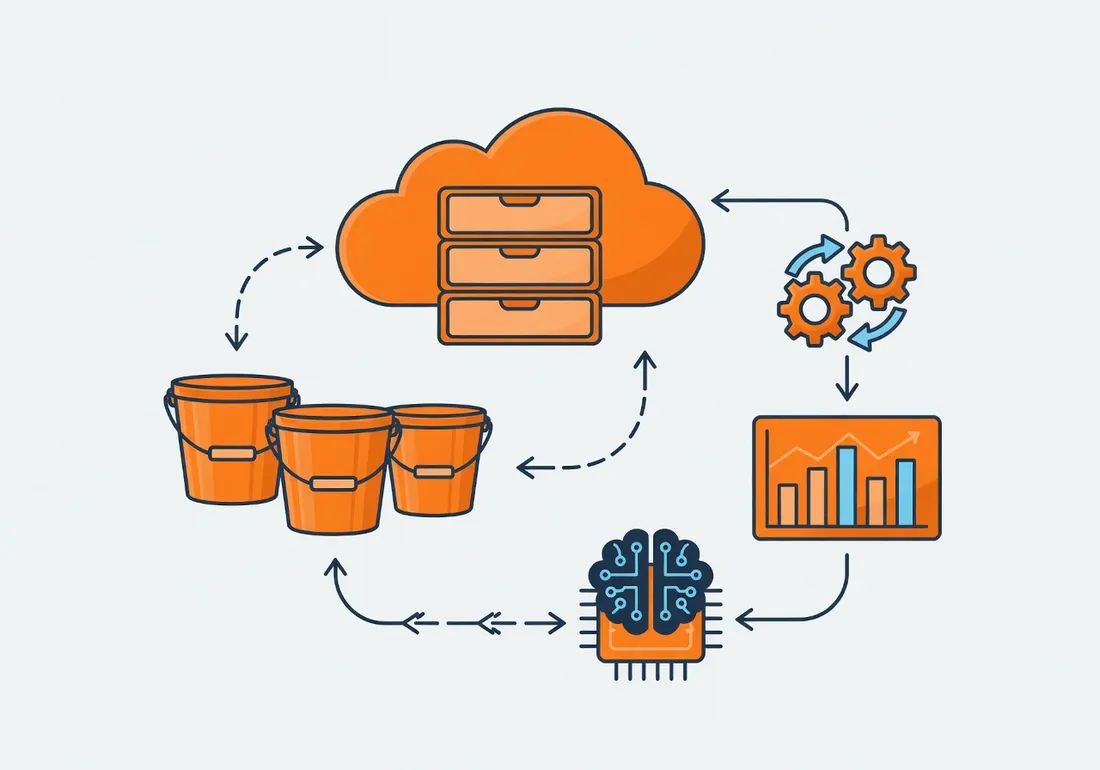
AWS Costs: A Cost Optimization Guide for Beginners
Learn how to understand and optimize your AWS costs.
I
InSkillCoach
· min
AWS Costs: A Cost Optimization Guide for Beginners
Learn how to understand and optimize your AWS costs.
1. Understanding AWS Billing
Free Services
- AWS Free Tier: Free services for 12 months
- Always-free services:
- Lambda: 1 million invocations/month
- CloudWatch: 10 metrics, 1 million requests
- S3: 5 GB of storage
- DynamoDB: 25 GB of storage
Billing by Service
# Cost calculation example
def calculate_costs():
    # EC2: Billed per hour
    ec2_cost = {
        't2.micro': 0.0116,  # per hour
        't2.small': 0.023,   # per hour
        't2.medium': 0.0464  # per hour
    }

    # S3: Billed per GB/month
    s3_cost = {
        'standard': 0.023,    # per GB/month
        'infrequent': 0.0125, # per GB/month
        'glacier': 0.004      # per GB/month
    }

    # Lambda: Billed per request
    lambda_cost = {
        'requests': 0.0000002,  # per request
        'duration': 0.00001667  # per 100ms
    }

    return {
        'ec2': ec2_cost,
        's3': s3_cost,
        'lambda': lambda_cost
    }
2. Services to Watch
Amazon Athena
- Billing: Per byte scanned
- Optimization:
# Athena optimization example
def optimize_athena_query():
    # 1. Partition the data
    partition_query = """
    CREATE TABLE ma_table_partitionnee
    PARTITIONED BY (annee INT, mois INT)
    AS SELECT * FROM ma_table;
    """

    # 2. Compress the data
    compression_query = """
    CREATE TABLE ma_table_compressee
    WITH (format = 'PARQUET', compression = 'SNAPPY')
    AS SELECT * FROM ma_table;
    """

    return {
        'partition_query': partition_query,
        'compression_query': compression_query
    }
Amazon Redshift
- Billing: Per cluster hour
- Optimization:
# Redshift optimization example
def optimize_redshift():
    # 1. Choose the right node type
    node_types = {
        'dc2.large': 0.25,    # per hour
        'dc2.8xlarge': 2.36,  # per hour
        'ra3.xlplus': 0.24    # per hour
    }

    # 2. Configure WLM (Workload Management)
    wlm_config = {
        'concurrency_scaling': True,
        'max_concurrency': 50,
        'query_timeout': 300
    }

    return {
        'node_types': node_types,
        'wlm_config': wlm_config
    }
3. Optimization Best Practices
Shut Down Unused Resources
# Automatic shutdown example
def stop_unused_resources():
    ec2 = boto3.client('ec2')

    # Stop idle EC2 instances
    instances = ec2.describe_instances(
        Filters=[
            {
                'Name': 'instance-state-name',
                'Values': ['running']
            }
        ]
    )

    for instance in instances['Reservations']:
        # Check CPU utilization
        cloudwatch = boto3.client('cloudwatch')
        cpu_usage = cloudwatch.get_metric_statistics(
            Namespace='AWS/EC2',
            MetricName='CPUUtilization',
            Dimensions=[{'Name': 'InstanceId', 'Value': instance['InstanceId']}],
            StartTime=datetime.now() - timedelta(hours=24),
            EndTime=datetime.now(),
            Period=3600,
            Statistics=['Average']
        )

        # Stop if utilization < 5%
        if cpu_usage['Datapoints'][-1]['Average'] < 5:
            ec2.stop_instances(InstanceIds=[instance['InstanceId']])
Use Reservations
# Reservation purchase example
def purchase_reservation():
    ec2 = boto3.client('ec2')

    # Purchase an EC2 reservation
    reservation = ec2.purchase_reserved_instances_offering(
        ReservedInstancesOfferingId='offering-id',
        InstanceCount=1,
        LimitPrice={
            'Amount': '100',
            'CurrencyCode': 'USD'
        }
    )

    return reservation['ReservedInstancesId']
4. Setting Up Alerts
Budget Configuration
# Budget configuration example
def setup_budget():
    budgets = boto3.client('budgets')

    # Create a monthly budget
    budget = budgets.create_budget(
        AccountId='account-id',
        Budget={
            'BudgetName': 'MonBudget',
            'BudgetLimit': {
                'Amount': '100',
                'Unit': 'USD'
            },
            'TimeUnit': 'MONTHLY',
            'BudgetType': 'COST',
            'CostFilters': {
                'Service': ['Amazon EC2', 'Amazon S3']
            }
        },
        NotificationsWithSubscribers=[
            {
                'Notification': {
                    'NotificationType': 'ACTUAL',
                    'ComparisonOperator': 'GREATER_THAN',
                    'Threshold': 80,
                    'ThresholdType': 'PERCENTAGE'
                },
                'Subscribers': [
                    {
                        'SubscriptionType': 'EMAIL',
                        'Address': 'mon-email@example.com'
                    }
                ]
            }
        ]
    )

    return budget['BudgetId']
Cost Monitoring
# Cost monitoring example
def monitor_costs():
    ce = boto3.client('ce')

    # Get costs by service
    costs = ce.get_cost_and_usage(
        TimePeriod={
            'Start': '2024-01-01',
            'End': '2024-03-22'
        },
        Granularity='MONTHLY',
        Metrics=['UnblendedCost'],
        GroupBy=[
            {'Type': 'DIMENSION', 'Key': 'SERVICE'}
        ]
    )

    return costs['ResultsByTime']
5. Optimization Tools
AWS Cost Explorer
- Features:
- Cost visualization
- Forecasts
- Optimization recommendations
AWS Trusted Advisor
- Checks:
- Cost optimization
- Performance
- Security
- Fault tolerance
Conclusion
Key takeaways:
- Use the Free Tier
- Monitor costs by service
- Optimize your queries
- Shut down unused resources
- Set up alerts
Recommendations:
- Start small
- Use reservations
- Set up budgets
- Monitor costs regularly
- Optimize continuously

About InSkillCoach
Training and technology expert
Coach specializing in advanced technologies and AI, backed by GNeurone Inc.
Certifications:
- AWS Certified Solutions Architect – Professional
- Google Cloud certifications
- Microsoft Certified: DevOps Engineer Expert
- Certified Kubernetes Administrator (CKA)
- CompTIA Security+
1.3k
194
Comments
Comments are powered by GitHub Discussions
Sign in with GitHub to join the discussion