Why learn React?
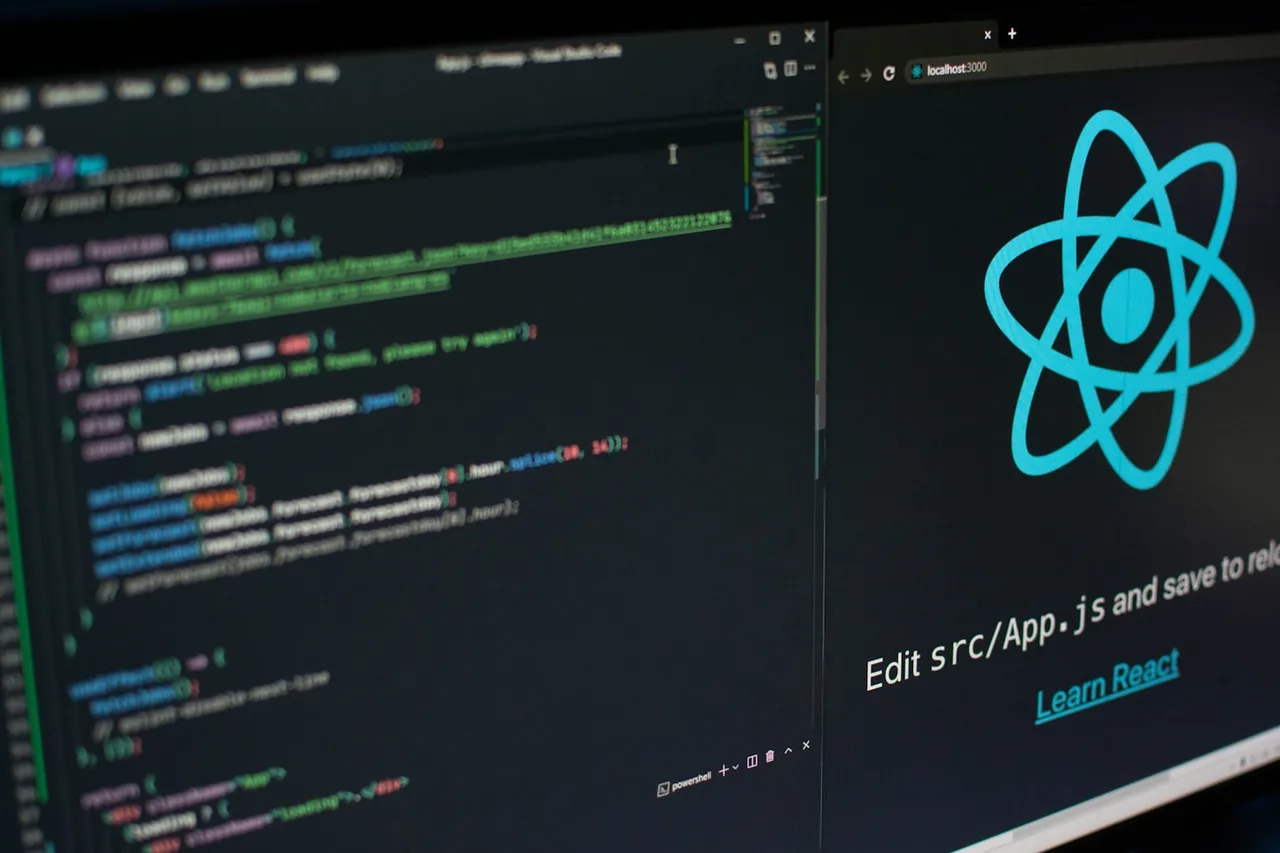
React has become one of the most popular JavaScript libraries for building user interfaces. Created by Facebook in 2013, React is now used by thousands of companies around the world, including Instagram, Netflix, Airbnb, and many more.
This tutorial series will guide you through the core concepts of React, building components, managing state, and best practices for developing modern, high-performance web applications.
Tutorials in this series
1
Introduction
Discover React, the most popular JavaScript library for building interactive user interfaces
Start this tutorial 2
Installation
Learn how to install and configure your React development environment
Start this tutorial 3
Advanced Configuration
Discover advanced configurations to optimize your React application
Start this tutorial 4
Components
Learn how to create and use React components, the fundamental building blocks of React
Start this tutorial 5
Props and State
Learn how to manage data in React with props and state
Start this tutorial 6
Hooks
Discover React Hooks, functions that let you use state and other React features in function components
Start this tutorial 7
Events
Learn how to handle events in React, from clicks to forms to custom events
Start this tutorial 8
Routing
Learn how to implement routing in your React applications with React Router
Start this tutorial 9
State Management
Learn how to manage the state of your React applications effectively with the Context API, Redux, and other solutions
Start this tutorial 10
Testing
Learn how to test your React applications with Jest and React Testing Library
Start this tutorial 11
Todo App Project
Put your knowledge into practice by building a complete task management application with React and best practices
Start this tutorial 12
Deployment
Learn how to deploy your React applications to different platforms and optimize their performance
Start this tutorial 13
Docker Deployment
Learn how to containerize and deploy your React applications with Docker for consistent, scalable deployments.
Start this tutorial