First app
From flutter create to a widget you wrote yourself
Your First App
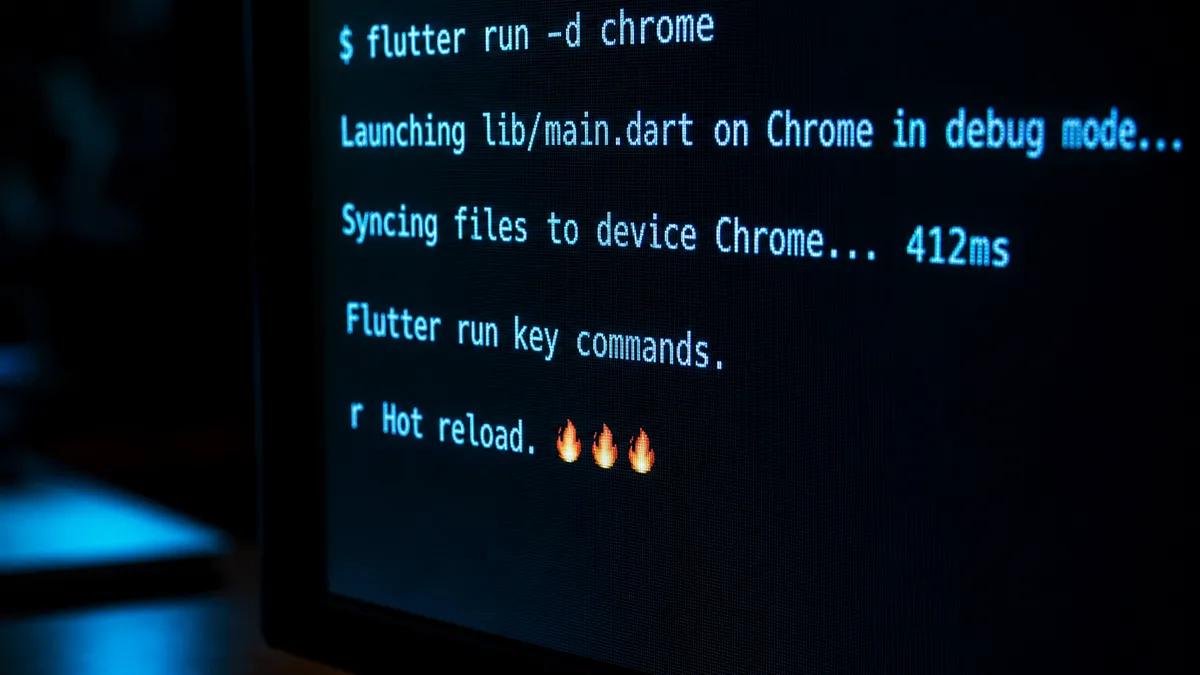
You already ran flutter create at the end of the previous tutorial, and a demo app launched: a counter, a button, a blue bar. The usual reflex is to delete all that code and write your own. That's a mistake on a first project, because those hundred or so generated lines contain almost every concept you'll use over the next six months.
The problem this lesson solves is not "how to display text" — that takes three lines. It's a more insidious one: understanding when your code runs. In Flutter, you don't write a sequence of instructions that draw an interface. You write a function that the framework will call, sometimes sixty times per second, sometimes never, and whose result it will throw away without warning. Until this inversion sinks in, you write code that works by accident: a modified variable that doesn't show up on screen, a Timer that keeps running after the screen is closed, a red exception that appears three screens later.
So we're going to read the generated project line by line, write our own widget, and above all deliberately trigger the two most common beginner failures: the interface that doesn't update, and setState called on a widget that has already been destroyed. Understanding why they happen is worth more than memorizing the formula that avoids them.
Comments
Comments are powered by GitHub Discussions
Sign in with GitHub to join the discussion