Installation and Configuration
Set up your Next.js development environment
10-15 min
Installing and Configuring Next.js
In this tutorial, we will install Next.js and set up an optimal development environment for building modern web applications.
System Requirements
Before you begin, make sure you have:
- Node.js 16.8 or later
- npm, yarn, or pnpm as a package manager
- A code editor (VS Code recommended)
Checking Node.js
node --version
npm --version
If Node.js is not installed, download it from nodejs.org.
Installation Methods
1. Create Next App (Recommended)
The simplest way to get started:
npx create-next-app@latest mon-app-nextjs
cd mon-app-nextjs
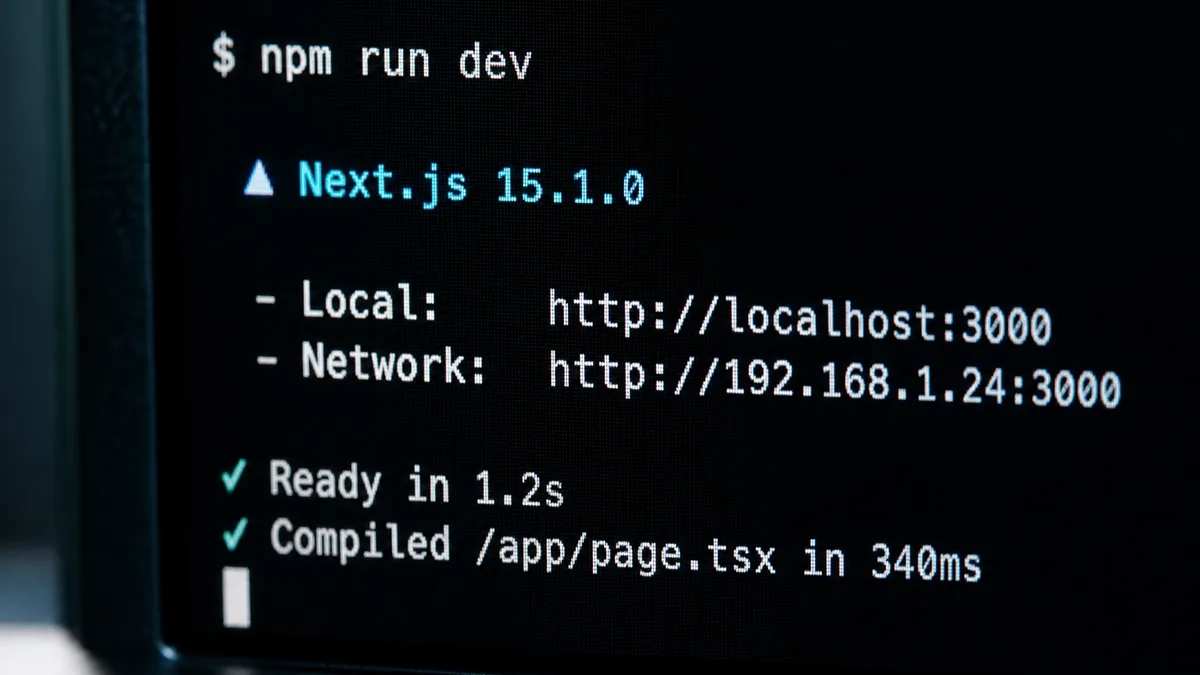
npm run dev
2. Installation with TypeScript
For a TypeScript project from the start:
npx create-next-app@latest mon-app-nextjs --typescript
cd mon-app-nextjs
npm run dev
3. Manual Installation
For more control over the configuration:
mkdir mon-app-nextjs
cd mon-app-nextjs
npm init -y
npm install next react react-dom
Add the scripts to package.json:
{
  "scripts": {
    "dev": "next dev",
    "build": "next build",
    "start": "next start",
    "lint": "next lint"
  }
}
Comments
Comments are powered by GitHub Discussions
Sign in with GitHub to join the discussion